Aigon Conference
Never again forget whom you've met and what you've seen at a conference or networking event!
Aigon is your conference assistant to whom you can talk via WhatsApp - no installation needed. It reads and processes text and voice messages, images and documents. Simply send everything you want to remember to Aigon. Don't worry about language or structure -- Aigon cleans it up, and you can refine this later with ChatGPT, Claude, or the LLM of your choice.
This page is organised as follows
- Getting started to get started right away
- Capturing conference notes to learn about the different ways to take notes
- Reviewing conference notes to learn how to log into the web app and to review and process your notes there
- Generating conference reports to learn how to generate reports, either from within WhatsApp or the web
- New conference to learn how to finalise the notes from one conference and move to the next one
- Skills to learn how to access skills that explain to ChatGPT, Claude or your LLM of choice how to read and process conference notes
- MCP Server to learn how to install an MCP server into Claude, ChatGPT or the LLM of your choice that allows it to directly read the generated reports as well as the underlying notes
- Command reference contains a reference for all commands available within WhatsApp
Getting started
Send a first voice message to Aigon
So yeah, eh. I just arrived at the Future of AI conference here in London. Looks great. Much more people than last year. Focus seems to be on, on, yeah on agentic AI. loads of agentic AI stands, need to look what exactly they are doing. Also, a bit of robotics. Also some robot waiter running around with drinks. This is actually quite cute. Also AI in education. Anyway, that's just a first impression. We'll see.
In Aigon's notes this may appear as
I just arrived at the Future of AI conference in London. There are many more people than last year. The focus seems to be on agentic AI, with numerous stands dedicated to it; I need to investigate what they are doing. There is also some robotics, including a robot waiter serving drinks. AI in education is also present.
Then you meet someone. Stefan, CEO of Aigon AI. You record a voice note and send it:
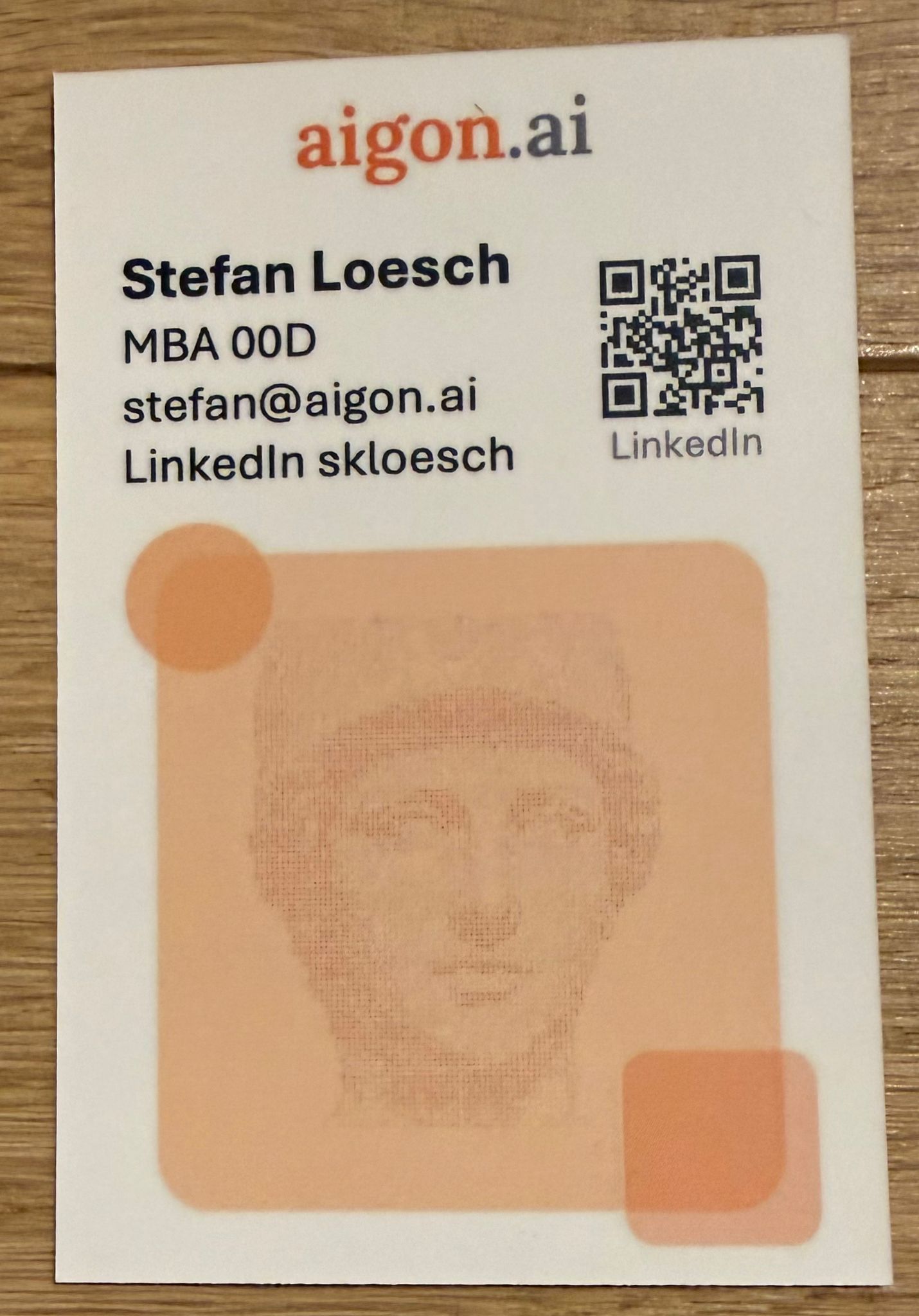
OK, yeah. So I've had a long conversation with a guy called Stefan Loesch L-O-E-S-C-H. We've had quite a long conversation. German, living in London for a while. We talked about INSEAD. He was doing his MBA there, a bit before I came there with the exec programme. We actually both had the same finance professor, that Belgian guy who I believe is now retired. After INSEAD he went to McKinsey and JPMorgan, Anyway, so he told me what he is doing now and it is really interesting. He is using AI to make every day tasks easier, with a focus on user experience. He believes that regular chat-style interfaces are the future, and he is currently offering everything via WhatsApp. Also Telegram because apparently for AI chat use case it is a bit smoother. Yeah, I think that's what he called it. Smooter. Memo to self: I should try using Telegram. He is now releasing products slowly, one after another. The one I really want to look at is called walktrough. funny spelling W-A-L-K-T-H-R-U. It is when you have some building work, like a renovation, and you take voice notes and pictures describing what you want to get done. It can then draft your RFQ. During the building process you go through the site with your builder, discuss what has been done, what still needs to be done. All with pictures. Everyone can just take notes and snap pictures with their own phone and then all is aggregated, and you can get the raw notes as well as some things like todo lists. And raw I believe is not raw raw, but the AI cleans it up so that the language is clean. Good timing. Shame that we did not have it when we planned our kitchen makeover. But next time the builders are around we need to definitely use it. Somehow the notes I took didn't work, they ignored all of them. So I attach Stefan's card. We are connected on LinkedIn already, and we agreed that he'd send me a promotion link, but that I should follow up if I don't have it by tomorrow.
Then you send another message, just taking a photo of his business card. No text, so it is simply attached to the previous message you recorded
And just for completeness you also send screen shot of his LinkedIn profile, just for good measure, so you remember how he looks like. Again, with no text this is simply attached to the previous voice message.
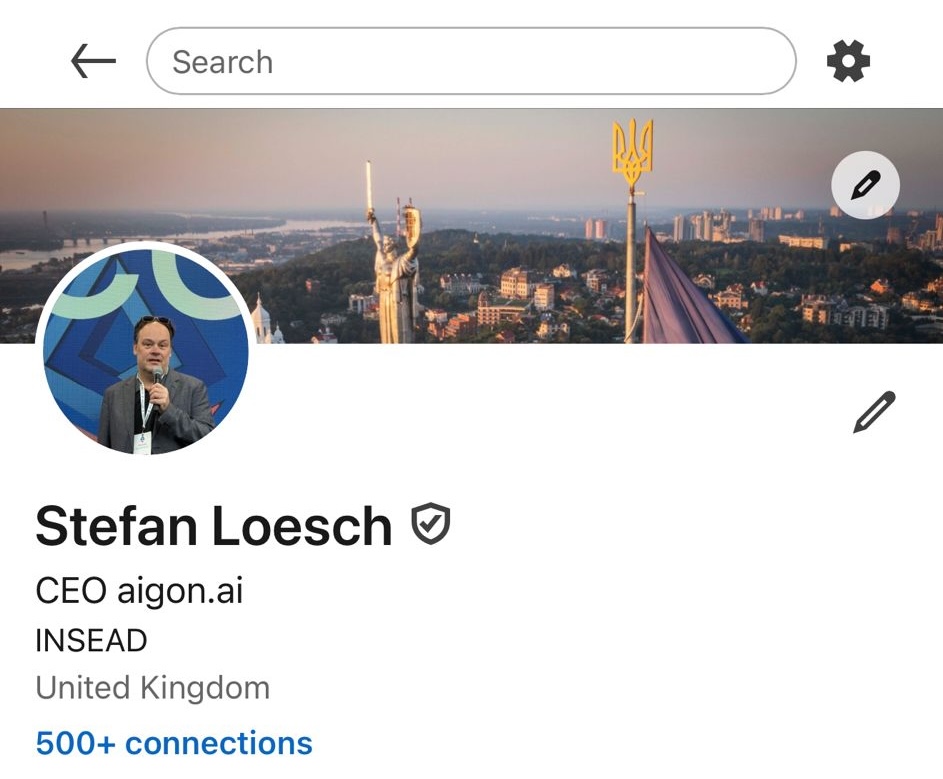
In Aigon's notes this may appear as
I had a long conversation with Stefan Loesch. He is German and has been living in London for a while. We discussed INSEAD; he completed his MBA there a bit before I attended the executive program. We both had the same finance professor, that Belgian guy who I believe is now retired. After INSEAD, Stefan worked at McKinsey and JPMorgan. He is now using AI to simplify everyday tasks, with a strong focus on user experience. He believes that regular chat-style interfaces are the future and currently offers everything via WhatsApp and Telegram, as Telegram is apparently smoother for AI chat use cases. He is slowly releasing products. One product I want to investigate is called walkthru. It is designed for building work, such as renovations. Users take voice notes and pictures describing what they want to achieve, and the system drafts an RFQ. During the building process, users can go through the site with their builder, discussing what has been done and what still needs to be done, all with pictures. Everyone can take notes and snap pictures with their own phone, and all information is aggregated. Users can access raw notes and generated items like to- do lists. The AI cleans up the language of the notes. We should definitely use it the next time builders are around. I am attaching Stefan's card. We are already connected on LinkedIn, and he agreed to send me a promotion link; I should follow up if I don't receive it by tomorrow.
Capturing conference notes
You send your messages to Aigon using WhatsApp. No installation or login needed. Aigon recognises and processes the following types of notes
- Text notes - you can send text notes (or notes dictated through the dictating feature of the phone); those are stored as-is
- Voice notes — you can send voice notes; those are transcribed using AI and both the voice note and the description are saved
- Photos — you can send images, eg of business cards, slides, badges, conference stands, or screenshots; if they are sent without text they are attached to the previous note; they get transcribed and described by AI
You don't need to worry about order or formatting. Keep sending notes, voice messages and pictures as you go along, and Aigon files everything for you. When you are ready, Aigon turns it into a report.
Reviewing conference notes on the web
You can review everything you have captured on the web — handy when you want a bigger screen or to search back through your notes.
To log in, send the /weblogin (short /wl) command. Aigon replies with a link: click it, then click login. There is no password to remember — the link signs you in.
Once you are in, open a1.aigon.ai/conference. From there you can:
- browse all your notes, newest first
- search across everything you have captured
- open any note to see its cleaned-up text next to the original, together with any photos and documents you attached
Your login stays active on that device, so you can keep coming back without logging in again.
Generating conference reports
Once you have captured your notes, Aigon turns them into a clean, shareable report. There are two ways to get one.
From within WhatsApp
Just send the /report command. After a short while Aigon replies with three things:
- a link to the report on the web — open it to read your report in the browser (you need to be logged in; use
/wlif you are not) - a link to the report data file in machine-readable format — this one needs no login, so you can paste it straight into ChatGPT or Claude and ask it to read or analyse your notes
- a PDF copy of your report, with clickable links back to your images and notes
/report creates an interim report — an ephemeral draft you can regenerate any time as you capture more. Interim reports disappear after a few days. When you are happy with it and want to keep it for good, wrap the conference up with /final yes (or /new <name>) to create the final, permanent version — see Moving onto a new conference below.
From within the web app
You can also review your notes and create reports in the web app:
- Send the
/weblogin(short/wl) command, click the link Aigon sends you, and then click login. - Open a1.aigon.ai/conference to browse everything you have captured.
- Generate a report from there — an interim draft you can regenerate as you add more, or a final version you keep — and download the PDF or share the links.
Moving onto a new conference
You can generate as many interim reports as you want. When the conference is done you wrap it up and start a fresh one. This creates the final report that lasts indefinitely (as opposed to the interim reports, which are deleted after a few days), and opens a new conference for your next batch of notes. There are two ways to do it:
/final yes— finish the current conference; the new one is named automatically by date and time./new <name>— finish the current conference and give the new one a name (at least 6 characters), e.g./new INSEAD AI Forum. The name appears in the report.
/final and /new are really the same action — finish the current conference and open a fresh one. The only difference is when you naturally reach for them: /final fits at the end of a conference, /new at the start of the next. Either way, any notes still sitting in the current conference are gathered into its final report first. So if you /final, then capture a few stray notes before remembering to start the next one, a following /new simply rolls those stragglers into a final report of their own and then starts you fresh — nothing is lost.
THIS CANNOT BE UNDONE. ONCE YOU MOVE ON TO A NEW CONFERENCE YOU CAN NO LONGER ADD NOTES TO THE PREVIOUS ONE. With /final you confirm by typing yes; with /new the name itself is the confirmation, so you do not lose the current conference by accident.
Skills
Power users and LLMs can work with your conference data using a ready-made Aigon skill: it reads the machine-readable report file (the no-login data link from /report) and extracts every contact, note, and attachment for you. Nothing to install — the skill is just a couple of plain files fetched by URL.
Get the skill at aigon.ai/s/confskills, or paste this to ChatGPT/Claude:
Read https://aigon.ai/aigonskills/conference/manifest.txt and use the listed skill on my conference report.
MCP server
Aigon runs an MCP server so your AI assistant (Claude, ChatGPT, Cursor, Gemini, …) can read and search your conference notes directly inside a conversation — no copy-pasting. First add the endpoint to your LLM of choice:
Endpoint: https://mcp.aigon.ai/mcp/
For example, in Claude Code:
claude mcp add aigon-mcp-server --transport http https://mcp.aigon.ai/mcp/
or, for a client configured via JSON (Claude Desktop, Cursor, …):
{
  "mcpServers": {
    "aigon": {
      "url": "https://mcp.aigon.ai/mcp/"
    }
  }
}
For ChatGPT, add it as a connector using the SSE endpoint https://mcp.aigon.ai/sse.
The MCP server authenticates via OAuth — on first use a browser window opens for login and consent. Make sure you have logged into the web app beforehand using the /weblogin (short /wl) command.
More details, including step-by-step setup for each client, are in the Aigon MCP documentation.
Command reference
The following commands are available within WhatsApp
| Command | What it does |
|---|---|
/help |
Show the in-chat help |
/weblogin /wl |
Log into the web app |
/report |
Generate an interim report (the report will expire after 3 days; the underlying notes remain) |
/final yes |
Wrap up the current conference — create its permanent final report — and start a new one (named automatically by date and time). Cannot be undone; the yes is the confirmation |
/new <name> |
Finish the current conference and start a new one named <name> (at least 6 characters). Same as /final but with a name you choose; the name is the confirmation |
/signup |
Upgrade to a full account (trial accounts only) |
/rmacc (/removeaccount) |
Delete the account and remove all data (cannot be undone; trial accounts only; to get a full account deleted please email us at support@aigon.ai) |
Need help?
Contact us at support@aigon.ai