An index that crawls, catalogues, and serves the entire skills ecosystem.
Skills are mostly human (and LLM) readable instructions. But they can also execute arbitrary code, putting your computer and data at risk.
The aigonskills MCP serves skills as text, and code download and execution is at the discretion and subject to the policies of the LLM.
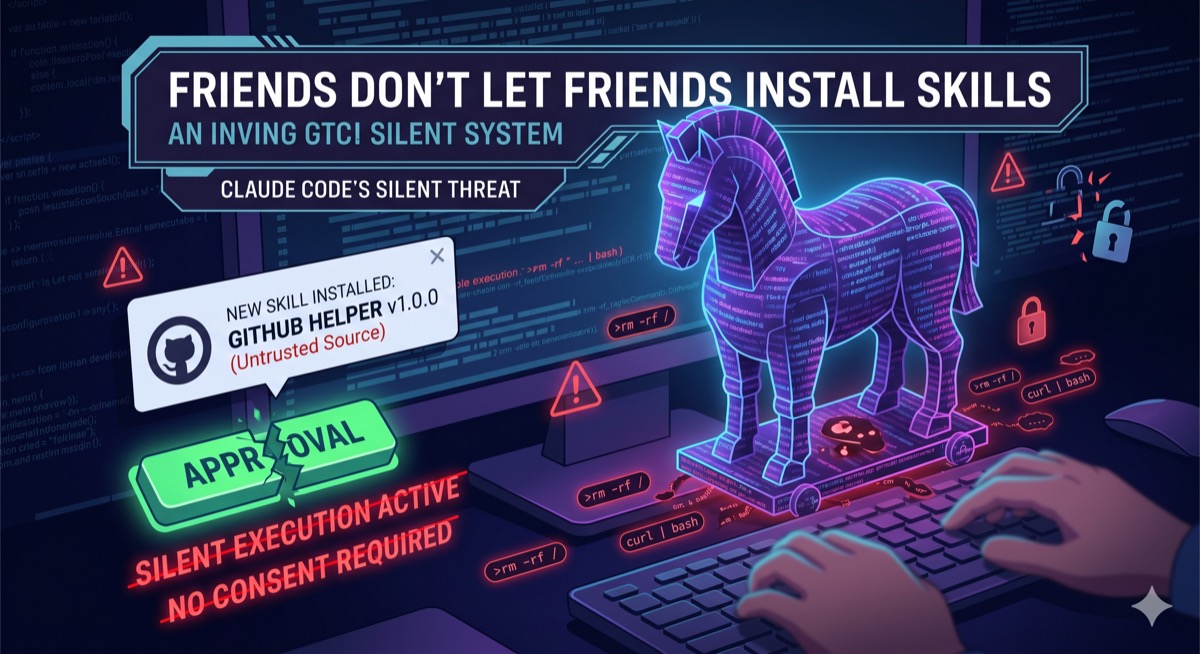
Friends don't let friends install skills →
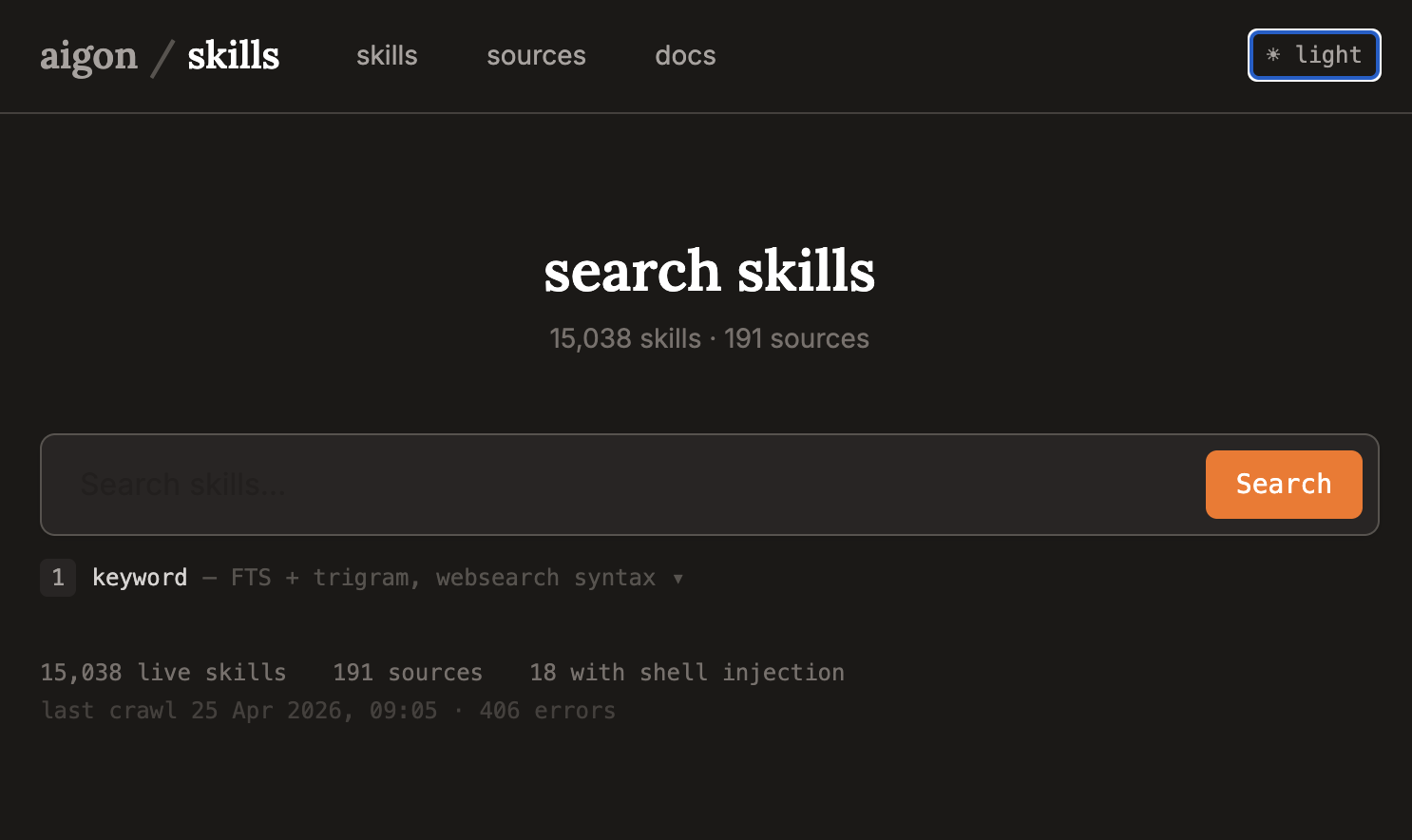
We have indexed and cached 15,000+ skills and are adding new ones every day. You can search them using sophisticated search strategies from our web frontend.
skills.aigon.ai →
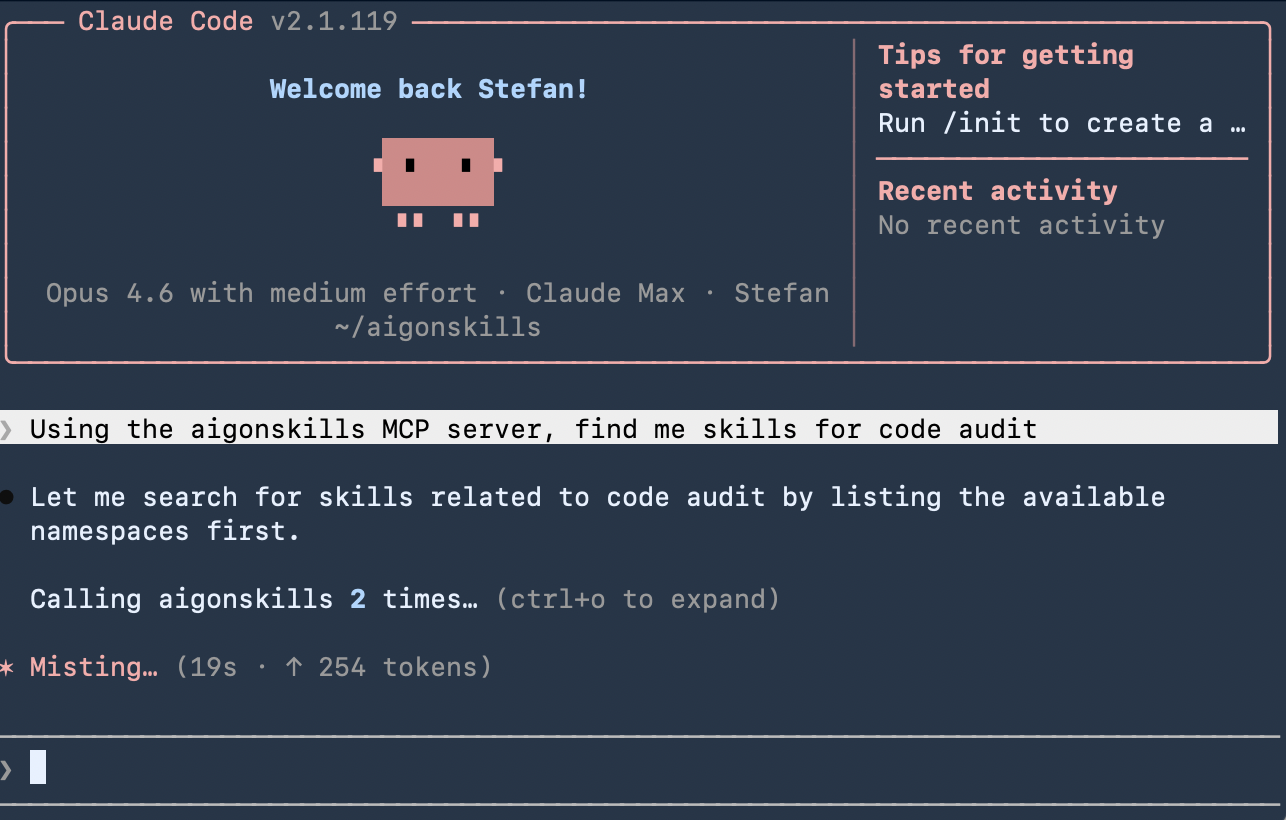
Have your LLM of choice search for the best skills using our advanced search methods. Have them directly download and execute the skills without need for installation.
Code execution is securely gated by the usual LLM policies. Executables can be downloaded and reviewed for safety before execution.
Try aigonskills in Claude Code →
Connect in under a minute.
Claude Code (CLI)
claude mcp add --transport sse aigonskills https://aigonskills.aigon.ai/sse
That's it. No API key required. Verify the connection:
Check it's connected
claude mcp list
Edit ~/Library/Application Support/Claude/claude_desktop_config.json (macOS) or the equivalent on your platform:
claude_desktop_config.json
{
"mcpServers": {
"aigonskills": {
"command": "npx",
"args": ["-y", "mcp-remote", "https://aigonskills.aigon.ai/sse"]
}
}
}
Restart Claude Desktop after editing.
In Cursor settings, go to MCP, add a new server with type sse and URL https://aigonskills.aigon.ai/sse.
Add to your codex.json configuration:
codex.json
{
"mcpServers": {
"aigonskills": {
"type": "sse",
"url": "https://aigonskills.aigon.ai/sse"
}
}
}
Gemini CLI
gemini mcp add aigonskills --transport sse --url https://aigonskills.aigon.ai/sse
For any other MCP-compatible client, use one of the following configurations.
SSE transport (clients that support SSE natively)
{
"mcpServers": {
"aigonskills": {
"url": "https://aigonskills.aigon.ai/sse"
}
}
}
Via mcp-remote (clients that only support stdio)
{
"mcpServers": {
"aigonskills": {
"command": "npx",
"args": ["-y", "mcp-remote", "https://aigonskills.aigon.ai/sse"]
}
}
}